Skip to main contentParsec logo

How to Play

How To Play Ponpu Online

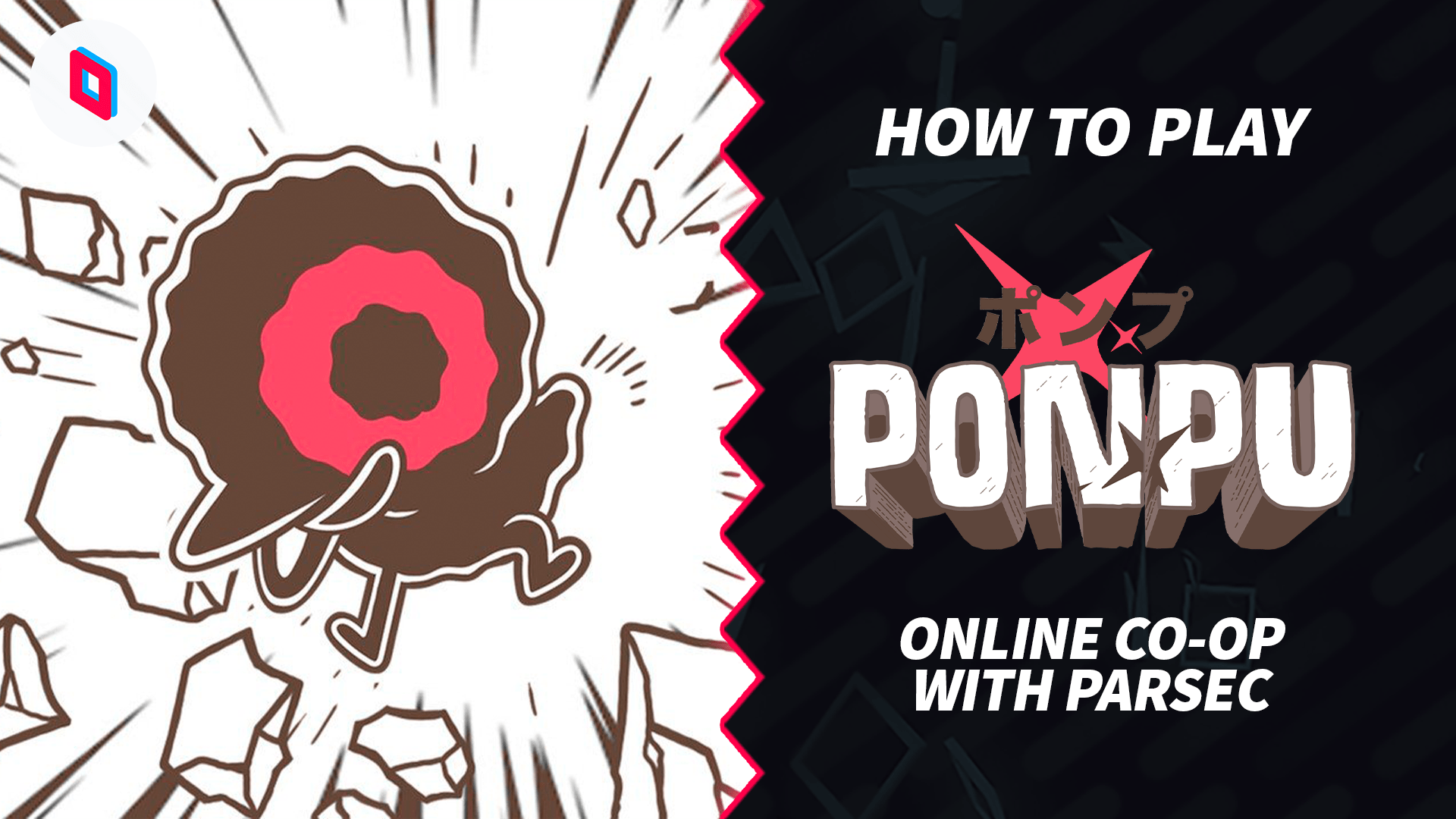
What do you get when you combine Bomberman with crows? If you guessed Ponpu, then you’d be correct (if you guessed something else, then we really aren’t sure what brings you to this article). Even if you DON’T like Bomberman, the wacky art style of Ponpu should be enough for you to give it a shot. And if you wanna take all the boss fights, various forms of PVP, and much more online, you’re in luck, because we might know a guy… or app.

  1. Download Ponpu

  2. Start the game on your computer

  3. Download Parsec for free and install it

  4. Head to the Parsec Arcade, and choose to host Ponpu – you can make a public or a private game

  5. Share the big link with your friends

  6. Your friends will be asked to download Parsec too, and once they have, you’ll be ready to play together

Easy, right? Start playing Ponpu online with Parsec.

Share

More posts in Category

  • How to Play Double Dragon Gaiden: Rise Of The Dragons Online

    Play Double Dragon Gaiden: Rise Of The Dragons online with your friends or family in Parsec. Launch the game, share your computer in Parsec, and send ...

    How to Play

  • How to Play LEGO 2K Drive Online

    Play LEGO 2K Drive online with your friends or family in Parsec. Launch the game, share your computer in Parsec, and send the link to anyone you want ...

    How to Play

  • How to Play Bread & Fred Online

    Play Bread & Fred online with your friends or family in Parsec. Launch the game, share your computer in Parsec, and send the link to anyone you want t...

    How to Play

Power your remote workplace. Try Parsec for Teams.